
Lock an Android device to a specific web page.
Run a dashboard, form, menu, presentation, or customer-facing website in a dedicated kiosk view so the device stays focused on one job.
Lock a device to your web page, pair it with a QR code, and manage it from a simple browser console.
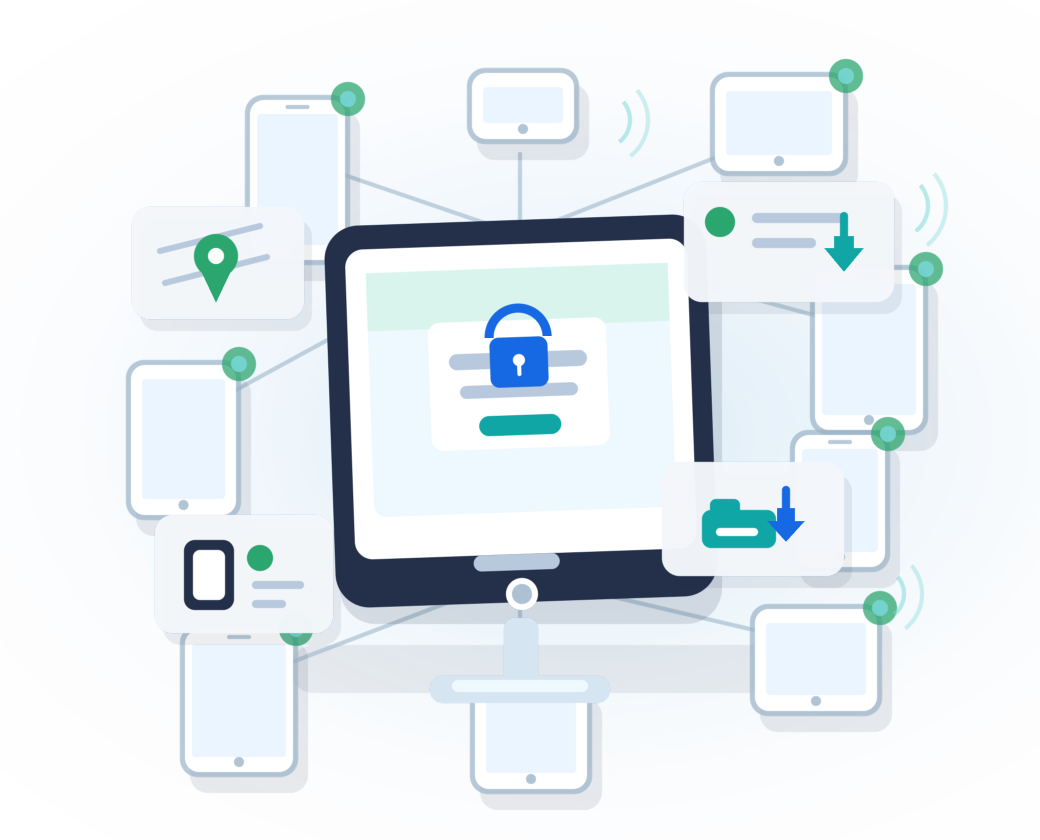
Run a dashboard, form, menu, presentation, or customer-facing website in a dedicated kiosk view so the device stays focused on one job.
Open the activation page, scan the QR code on a new or factory-reset Android device, then trust the device from your console.

Upload APK files, install updates, inspect installed packages, hide unwanted apps, launch apps, or uninstall them remotely.
Simple deployment
KioskGrid is built for company-owned Android devices that need to run a website or internal web app reliably in a controlled, locked-down mode.
The setup flow is designed to stay simple: create an account, open the activation page, scan the provisioning QR code, and confirm the device in your browser.
Start from the web console and open the activation page.
Use a new or factory-reset Android device to install and configure the device owner app.
Set the kiosk web page, deploy APK updates, check status, and send remote commands.
Remote management
See connected devices, labels, model information, online status, IP details, and Android information from the console.
Install APK files, list packages, launch apps, hide apps, and remove apps when needed.
Request a screen capture to verify what the kiosk is showing without visiting the device.
Request device location and open a map view for one device or multiple selected devices.
Restart selected devices remotely or show a short message on the kiosk screen.
Browse device files, upload files, and request storage permission when Android requires it.
Send actions through the console and keep track of commands waiting for devices to come online.
Use wakelock controls for kiosks that need to stay awake and reachable for long-running use.
For a broader look at what KioskGrid can do, see the complete feature overview.
View feature overviewCommon uses
Designed for control
Device owner provisioning gives KioskGrid the control needed for kiosk behavior on managed Android devices.
Trusted device confirmation helps you decide which newly connected devices belong to your account.
Production devices connect back to KioskGrid using the configured service domain after they are activated.
Start small
Create an account, activate a device, and try the console with your own Android tablet.
Sign up for free